Introduction
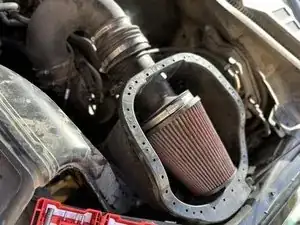
If you're looking to improve the performance of your 2020 Ford F-150 truck 3.5L, this guide will show you how to replace and upgrade the cold air intake with a Roush cold air intake.
This step-by-step tutorial will give you the necessary instructions needed to fix this in no time.
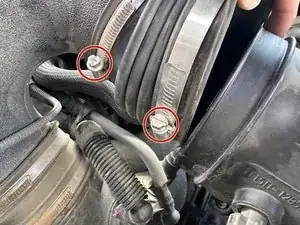
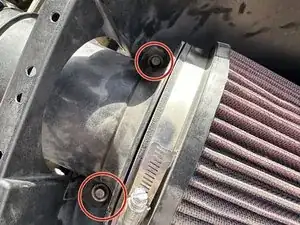
Keep in mind that in step 5, the two 8 mm bolts cannot be removed, as they weld the screw to the fittings.
Before beginning this repair, ensure your truck is powered off and in park to prioritize safety for both you and your vehicle. Additionally, disconnect the engine battery before performing any work under the hood.


-
-
Open the hood of your truck and ensure it is securely propped up.
-
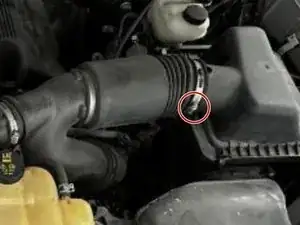
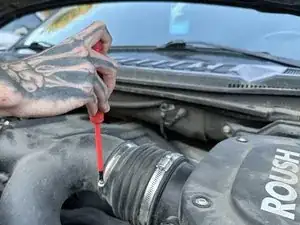
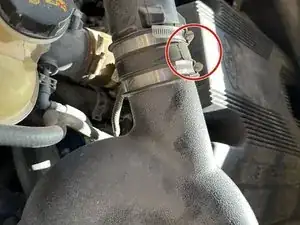
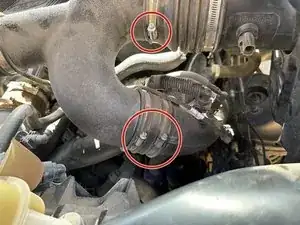
Take the factory air intake and loosen them with a flathead.
-
-
-
Connect new dual air hoses to stock air hose using flathead to tighten
-
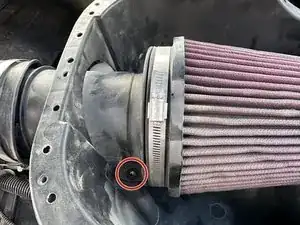
Attach the stock air shovel to the casing of the new intake via a 6 mm socket/bolt
-
-
-
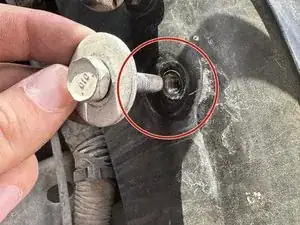
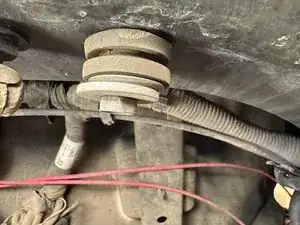
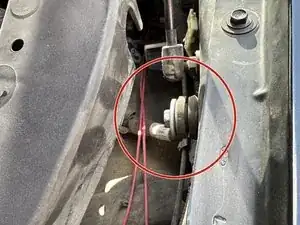
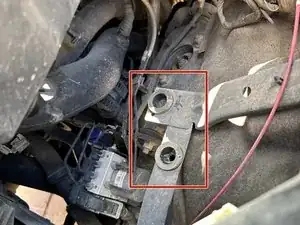
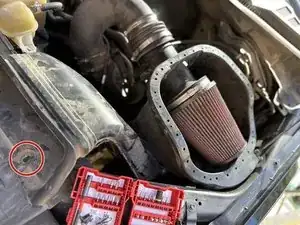
Take the stock screw, which is 12mm off, with a socket and put the grommet on before screwing back in, leaving room for the new air intake casing to lock into the grommet.
-
-
-
Bolt in the two bolts that hold in the new air filter. These bolts are 8mm.
-
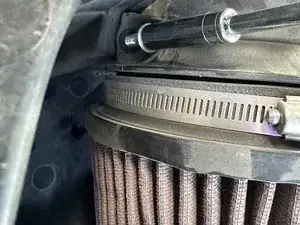
New air filter is fit in
-
-
-
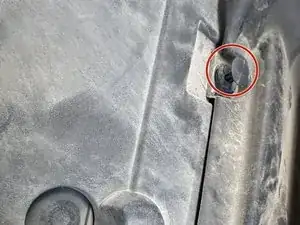
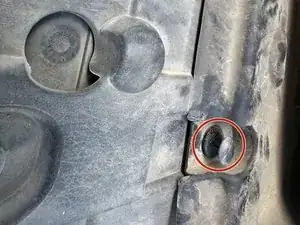
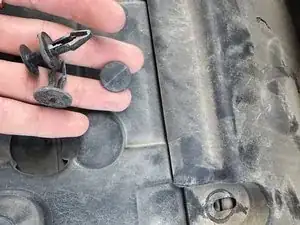
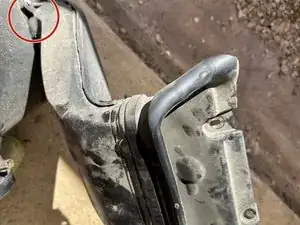
Push the clippings into the two fittings in the engine bay.
-
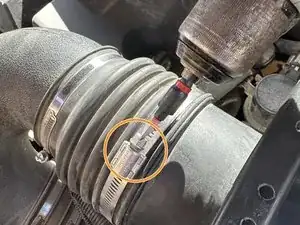
Connect the air hose and tighten
-
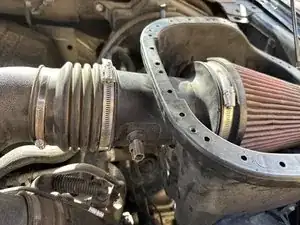
Now, the new casing for the new air intake fits into the air hose and engine bay without any extra parts
-
-
-
Put the clips back into the stock air shovel intake
-
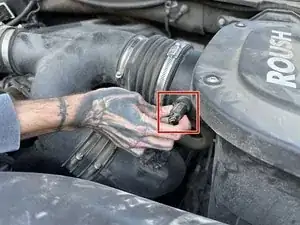
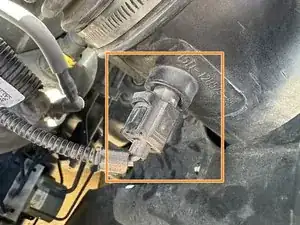
Reattach the stock wiring connection to the new air hose so the electrical system in the truck picks up emissions and any signals to potentially pop up
-
-
-
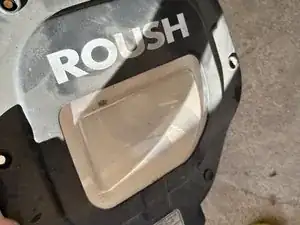
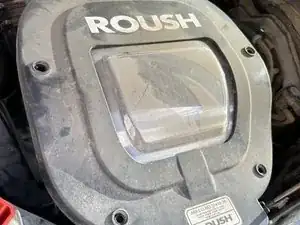
Put the casing on after sticker attachment for appearance purposes
-
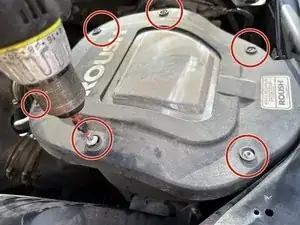
Bolt in the 6 bolts, which was a Torx bit, T20 to be exact
-
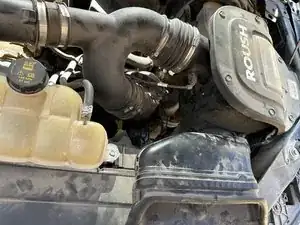
To reassemble your device, follow these instructions in reverse order.